Markdown
Slideshow of figures
-
Functionalities
- slide show
- height determines dimensions of the image
- 1.8x zoom-in by clicking
- can be changed in
transform: scale(1.8)
- can be changed in
- dimmed overlay
- to dim everything around figure when zoomed in
-
the slideshow functionality across multiple markdown files in GitHub Pages
- use CSS code
- use JavaScript code
- combine both in markdown file
CSS code for slideshow
- the code used in .../docs/javascripts/extra.css
/* Container for the entire slideshow */
.slideshow-container {
    max-width: 800px;
    min-width: 450px;
    position: relative;
    margin: auto;
}

/* Hide all slides by default */
.mySlides {
    display: none;
}

/* Container for each image to standardize dimensions */
.image-container {
    width: 100%;
    height: 300px;
    overflow: visible; /* Allow overflow for zoom effect */
    position: relative;
    max-width: 800px;
    min-width: 450px;
}

/* Image styling for proper fit and zoom effect */
.image-container img {
    width: 100%;
    height: 100%;
    object-fit: contain; /* Ensure the entire image is visible within the container */
    transition: transform 0.2s ease-in-out;
}

/* Navigation buttons */
.prev, .next {
    cursor: pointer;
    position: absolute;
    top: 0;
    width: auto;
    height: 100%;
    padding: 16px;
    color: white;
    font-weight: bold;
    font-size: 18px;
    transition: 0.6s ease;
    user-select: none;
    display: flex;
    align-items: center;
    justify-content: center;
}

/* Position the "next" button on the right */
.next {
    right: 0;
    border-radius: 3px 0 0 3px;
}

/* Border radius for "prev" button */
.prev {
    border-radius: 0 3px 3px 0;
}

/* Hover effects for navigation buttons */
.prev:hover, .next:hover {
    background-color: rgba(0, 0, 0, 0.8);
}

/* Caption styling */
.caption {
    text-align: center;
    color: #f2f2f2;
    padding: 8px 12px;
    background-color: rgba(0, 0, 0, 0.8);
    position: absolute;
    bottom: 0;
    width: 100%;
}

/* Styles for zoom effect */
.zoom {
    cursor: zoom-in;
}
.zoomed {
    transform: scale(2);
    cursor: zoom-out;
    position: relative;
    z-index: 10; /* Ensure zoomed image is above other elements */
}

/* Dimmed overlay */
.dimmed-overlay {
    position: fixed;
    top: 0;
    left: 0;
    width: 100%;
    height: 100%;
    background-color: rgba(0, 0, 0, 0.5); /* Adjust the opacity as needed */
    z-index: 9; /* Ensure the overlay is below the zoomed image */
    pointer-events: none; /* Allow interaction with elements behind the overlay */
}

.dimmed-overlay.zoomed {
    display: none; /* Hide the overlay when an image is zoomed */
}
JavaScript code for slideshow
- the code used in .../docs/javascripts/custom.js
// Initialize slide indices for multiple slideshows
var slideIndices = {};

// Function to change slides
function plusSlides(n, slideshowId) {
    showSlides(slideIndices[slideshowId] += n, slideshowId);
}

// Function to show a specific slide
function currentSlide(n, slideshowId) {
    showSlides(slideIndices[slideshowId] = n, slideshowId);
}

// Main function to display slides
function showSlides(n, slideshowId) {
    var i;
    var slideshow = document.getElementById(slideshowId);
    var slides = slideshow.getElementsByClassName("mySlides");
    if (n > slides.length) { // Wrap around to the first slide
        slideIndices[slideshowId] = 1;
    }
    if (n < 1) { // Wrap around to the last slide
        slideIndices[slideshowId] = slides.length;
    }
    for (i = 0; i < slides.length; i++) { // Hide all slides
        slides[i].style.display = "none";
    }
    slides[slideIndices[slideshowId] - 1].style.display = "block"; // Show the current slide
}

// Initial setup for each slideshow
document.addEventListener("DOMContentLoaded", function() {
    document.querySelectorAll('.slideshow-container').forEach(container => {
        var id = container.id;
        slideIndices[id] = 1;
        showSlides(1, id);
    });

    // Zoom functionality for images
    document.querySelectorAll('.zoom').forEach(img => {
        img.addEventListener('click', function() {
            if (this.classList.contains('zoomed')) {
                this.classList.remove('zoomed'); // Remove zoom
                document.getElementById('dimmed-overlay').remove(); // Remove dimmed overlay
            } else {
                this.classList.add('zoomed'); // Add zoom
                const overlay = document.createElement('div');
                overlay.classList.add('dimmed-overlay');
                overlay.id = 'dimmed-overlay';
                document.body.appendChild(overlay); // Add dimmed overlay
            }
        });
    });

    // Add captions based on file names
    document.querySelectorAll('.image-container').forEach(container => {
        const img = container.querySelector('img');
        const caption = container.querySelector('.caption');
        const fileName = img.src.split('/').pop().split('.')[0]; // Extract file name
        caption.innerText = fileName.replace(/_/g, ' '); // Set caption text
    });
});
Linking in Markdown file
- the code used in any markdown file (.md) within Github Pages
- change
slideshow_iwith slideshow number for separate slidesshows (e.g. slideshow_1, slideshow_2) - change
slide_iwith path/link to image - change
...with path to your main GitHub repository
- change
#### Slideshow i
<div class="slideshow-container" id="slideshow_i">
    <div class="mySlides">
        <div class="image-container">
            <img src="image_i" class="zoom">
            <div class="caption"></div>
        </div>
    </div>
    <a class="prev" onclick="plusSlides(-1, 'slideshow_i')">❮</a>
    <a class="next" onclick="plusSlides(1, 'slideshow_i')">❯</a>
</div>

*Caption for Slideshow*

<link rel="stylesheet" href=".../docs/stylesheets/extra.css">
<script src=".../docs/javascripts/custom.js"></script>
Demonstration
Slideshow 1
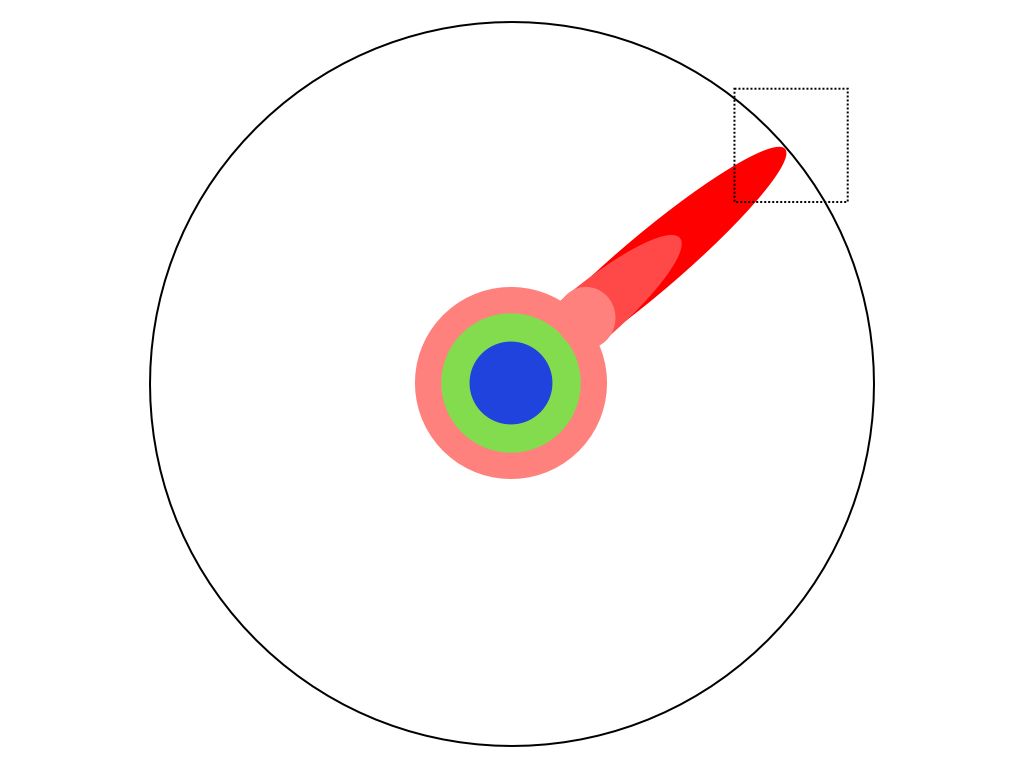


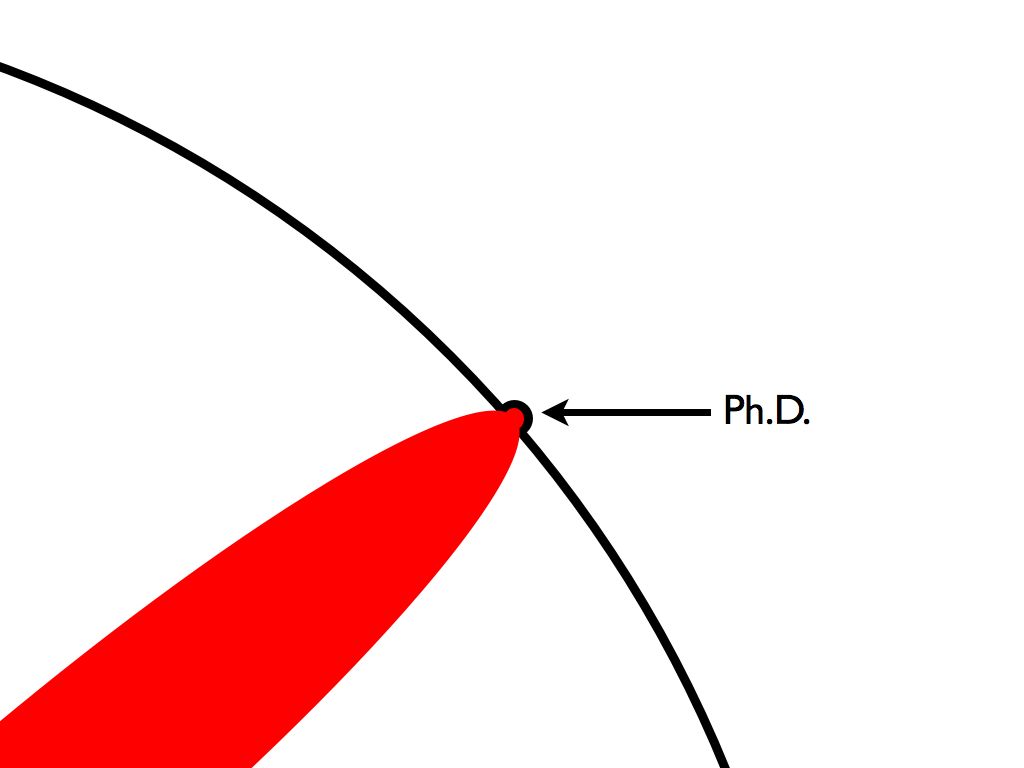
Images were adopted from Matt Might. "The illustrated guide to a Ph.D." 🔗
Slideshow 2
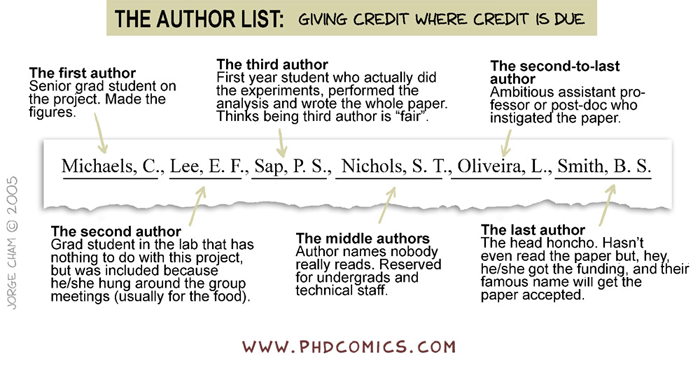
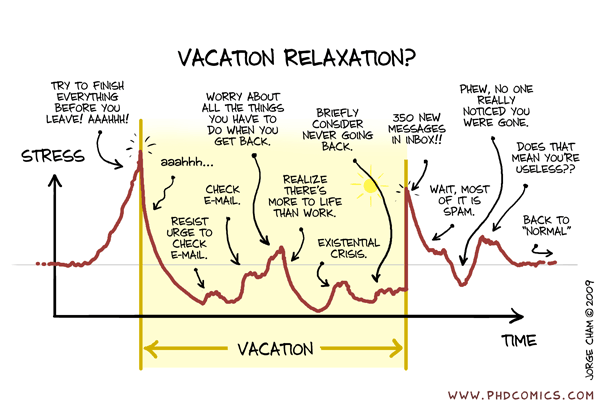

Comics were adopted from Jorge Cham. "The 200 Most Popular Comics" 🔗
3Dmol.js
Description
- 3D molecular visualization tool for web browsers.
- Interactive: Real-time manipulation (rotate, zoom).
- Customizable: Supports various rendering styles (stick, sphere, cartoon) and color schemes.
- Ease of Use: Simple JavaScript API for web developers.
- Ideal for embedding in web pages and applications.
-
Open Source 3Dmol.js GitHub webpage
-
Ideas for the future:
- synchronised view
Demonstration
Example 1: Caffeine
- input
<center>
  <div
    style="height: 450px; width: 90%; position: relative;"
    class='viewer_3Dmoljs'
    data-cid='2519'
    data-backgroundcolor='0xffffff'
    data-style='stick:colorscheme=cyanCarbon'
    data-ui='true'>
  </div>
</center>

<script src="https://3Dmol.org/build/3Dmol-min.js"></script>
<script src="https://3Dmol.org/build/3Dmol.ui-min.js"></script>
- Output
Structure of caffeine. "CID:2519" 🔗
Example 2: Human A2A Adenosine Receptor
- Input
<center>
  <div
    style="height: 450px; width: 90%; position: relative;"
    class='viewer_3Dmoljs'
    data-pdb='3EML'
    data-backgroundcolor='0xffffff'
    data-style='stick:colorscheme=cyanCarbon'>
  </div>
</center>

<center>
  <div
    style="height: 450px; width: 90%; position: relative;"
    class='viewer_3Dmoljs'
    data-pdb='3EML'
    data-backgroundcolor='0xffffff'
    data-style='cartoon:color=spectrum'
    data-surface='opacity:.5'>
  </div>
</center>

<script src="https://3Dmol.org/build/3Dmol-min.js"></script>
<script src="https://3Dmol.org/build/3Dmol.ui-min.js"></script>
Structure of Human A2A Adenosine Receptor bound to ZM241385. It is antagonized by caffeine. "PDB:3EML" 🔗
Example 3: Human A2A Adenosine Receptor
- Input
<center>
  <div
    style="height: 450px; width: 90%; position: relative;"
    class='viewer_3Dmoljs'
    data-pdb='6J5T'
    data-backgroundcolor='0xffffff'
    data-style='cartoon:color=black'
    data-select1='chain:A,D,I,J,M' data-style1='cartoon:color=#69BE28'
    data-select2='chain:B,E,H,K,N' data-style2='cartoon:color=#FF8849'
    data-select3='chain:C,F,G,L,O' data-style3='cartoon:color=#3DB7E4'
    data-surface='opacity:.4;color:0xffffff'>
  </div>
</center>

<script src="https://3Dmol.org/build/3Dmol-min.js"></script>
<script src="https://3Dmol.org/build/3Dmol.ui-min.js"></script>
Structure of of a plant NLR resistosome. An immune system machines that play role in protection of plants from infection. "PDB:6J5T; MW of 924 kDa" 🔗